
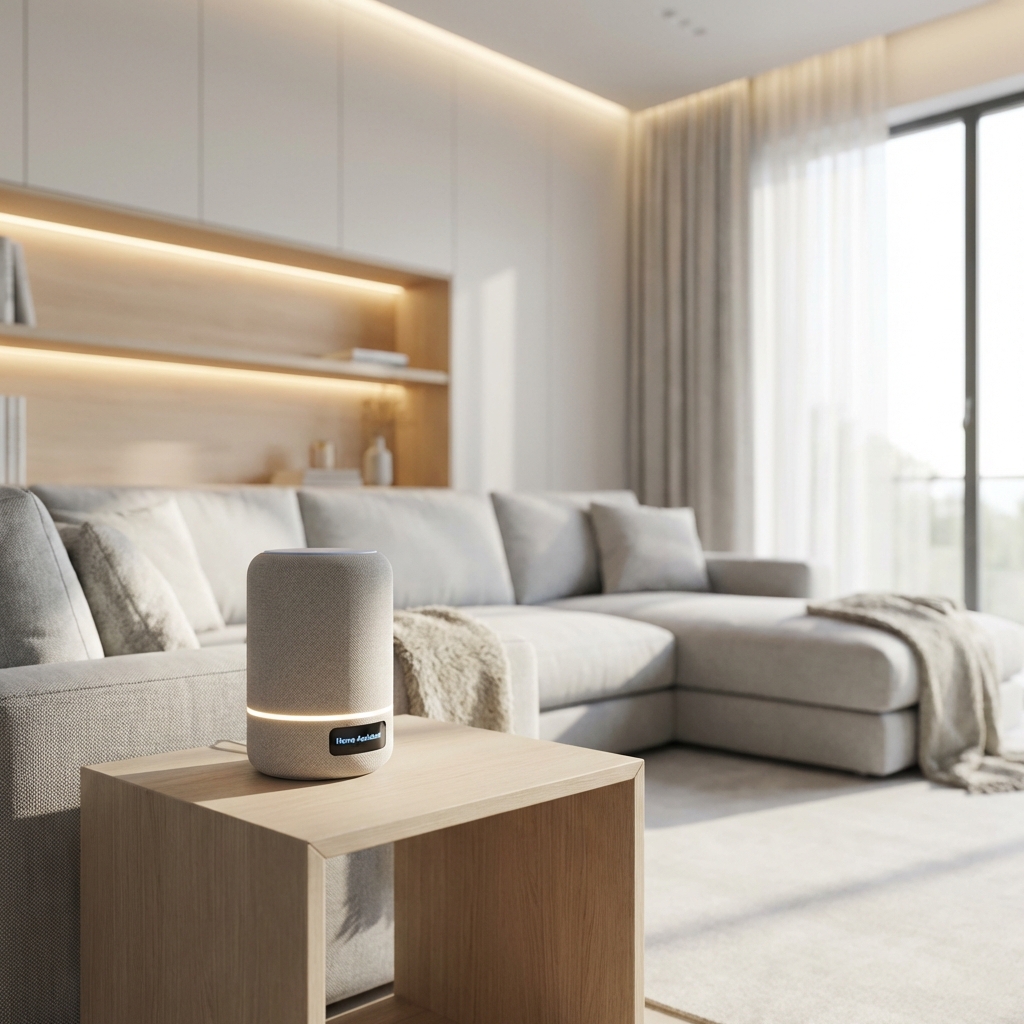
The term "smart home" used to imply complex wiring, expensive professional installation, and a degree in computer engineering just to turn on a light. In 2026, it simply means making your home more convenient, energy-efficient, and secure using affordable devices that connect to your existing Wi-Fi. No electrician required.
If you've been hesitant to dive into home automation, now is the perfect time. The introduction of the Matter standard has finally solved the compatibility nightmare that plagued early smart homes. You no longer need to worry about whether your Amazon Echo can talk to your Google Nest thermostat—if it supports Matter, it works with everything. Here's your ultimate starter pack for building a modern smart home without breaking the bank or your sanity.
Step 1: Choose Your Ecosystem (Or Don't)
Before buying hardware, you need to pick a "brain" for your house. This is the voice assistant that will control everything. The good news? You're not locked in forever thanks to Matter.
The Big Three:
- Amazon Alexa: Widest compatibility with budget devices. If you're a Prime member who shops on Amazon frequently, this is the path of least resistance. The Echo Dot (5th Gen) is often on sale for under $25 and sounds surprisingly good for its size.
- Google Home: Best for search queries, YouTube integration, and Android users. The conversational AI is slightly superior for general knowledge questions. "Hey Google, when does the hardware store close?" works better than Alexa's equivalent.
- Apple HomeKit: The privacy-focused choice. Apple requires device certification, which means fewer options but higher quality and better security. Everything runs locally when possible, so your data isn't constantly being sent to the cloud. The trade-off? Devices are 20-30% more expensive.
Pro Tip: Start with whichever ecosystem you're already invested in (iPhone = HomeKit, Android = Google, Prime member = Alexa). You can always add others later.
Step 2: The "Hello World" of Automation – Smart Plugs
The smartest device is often the dumbest one. A smart plug is just a Wi-Fi-enabled power switch that goes between your wall outlet and any "dumb" appliance—lamps, fans, coffee makers, space heaters, holiday lights, you name it. It transforms anything with an on/off switch into a smart device.
Practical Uses:
- Security Theater: Set lamps to turn on and off randomly while you're on vacation to simulate presence. Burglars look for dark houses.
- Energy Savings: Ensure space heaters, curling irons, or other high-draw appliances are definitely turned off after you leave the house. Many smart plugs track energy usage, so you can identify vampire power drains.
- Convenience: "Alexa, turn on the coffee maker" from bed. Or set it to turn on automatically at 6:45 AM every weekday.
- Elderly Care: Remotely check if your parents turned off the stove. Some plugs send notifications when power draw changes.
Recommended: Kasa Smart Plug Mini ($10-15 each, often sold in 4-packs for $30). No hub required, works with all three major ecosystems, and has been rock-solid reliable for years.
Step 3: Set the Mood – Smart Lighting
You have two paths here: smart bulbs or smart switches. For renters and beginners, bulbs are easier because they don't require any electrical work. For homeowners planning to stay long-term, smart switches are more elegant (and you can use any bulb you want).
Smart Bulbs:
Philips Hue remains the gold standard for color accuracy, reliability, and ecosystem support. A starter kit with 3 bulbs and a hub costs around $100. The colors are vibrant, dimming is smooth, and they last for years. However, they're pricey.
For budget-conscious buyers, Govee and Wyze bulbs connect directly to Wi-Fi without needing a separate hub. They're $10-15 per bulb, and while the colors aren't quite as accurate as Hue, they're 90% as good for 40% of the price.
Smart Switches:
If you're comfortable with basic electrical work (or hiring an electrician for an hour), smart switches are superior. You replace your existing light switch with a smart one, and now any bulb in that fixture is controllable. The Kasa Smart Switch ($15-20) and Lutron Caseta ($50-60) are the most popular options.
Why switches are better: Guests can still use the physical switch normally. With smart bulbs, if someone flips the wall switch off, the bulb loses power and can't be controlled remotely until someone flips it back on.
Step 4: The Commander – Smart Speakers & Displays
You need a way to shout commands into the void and have them obeyed. The Echo Dot (5th Gen) ($50, often $25 on sale) or Nest Mini ($50) are cheap entry points with surprisingly good sound quality for their size.
However, smart displays are increasingly worth the upgrade. The Echo Show 8 (3rd Gen) ($130, often $80 on sale) can show you who's at the front door when your video doorbell rings, display step-by-step recipes in the kitchen, show your calendar, play YouTube, and serve as a digital photo frame. The Nest Hub (2nd Gen) ($100) is Google's equivalent with a slightly better screen.
Strategic Placement: Put a speaker in your bedroom (for alarms and morning news), one in the kitchen (for timers and recipes), and one in the living room (for music and controlling lights). Three Echo Dots cost less than $75 during sales.
Step 5: Security – Video Doorbells & Cameras
Knowing when a package arrives or checking who's at the door without getting up is genuinely life-changing. The Ring Video Doorbell ($100) is the classic choice with the most mature app and best motion detection. However, it requires a $4/month subscription for cloud video storage.
The Blink Video Doorbell ($50-60) is Amazon's budget alternative. It runs for up to 2 years on two AA batteries and includes free cloud storage for clips (with limitations). The video quality isn't quite as sharp as Ring, but it's 90% as good for half the price and no subscription.
For indoor security, the Wyze Cam v3 ($35) is absurdly good value. 1080p color night vision, two-way audio, motion detection, and 14 days of free cloud storage. Put one in your garage, one watching the backyard, and one as a pet cam.
Step 6: Climate Control – Smart Thermostats
This is where smart homes pay for themselves. A smart thermostat learns your schedule and automatically adjusts heating/cooling to save energy when you're away. Most users save 10-23% on their energy bills, which means the device pays for itself in 1-2 years.
The Nest Learning Thermostat ($249) is the premium choice with the best learning algorithm and a beautiful design. The Ecobee SmartThermostat ($249) is equally good and includes a remote room sensor to prevent hot/cold spots.
For budget buyers, the Wyze Thermostat ($60-80) is shockingly capable. It doesn't have the fancy learning features, but you can set schedules and control it remotely. Installation takes 30 minutes if you're handy, or $100-150 if you hire an HVAC tech.
Advanced Moves (Once You're Hooked)
- Smart Locks: Never fumble for keys again. The August Wi-Fi Smart Lock ($229) installs on the inside of your existing deadbolt, so you don't need to change your exterior hardware. Auto-unlock when you arrive home, lock automatically when you leave, and give temporary codes to guests or cleaners.
- Robot Vacuums: The Roborock Q5 ($250-300) or Eufy X8 ($200-250) are smart enough to map your home, avoid obstacles, and return to their charging dock. Schedule them to run while you're at work.
- Smart Blinds: IKEA Fyrtur ($129-179) are surprisingly affordable motorized blackout blinds. Wake up to sunlight gradually instead of a blaring alarm.
- Leak Detectors: Govee Water Sensors ($15 each) send phone alerts if they detect moisture. Put them under sinks, near water heaters, and in basements. They've saved countless people from catastrophic water damage.
Common Mistakes to Avoid
- Buying Too Much Too Fast: Start with 2-3 devices. Learn how they work. Then expand. Don't buy 20 smart bulbs on day one and get overwhelmed.
- Ignoring Wi-Fi Coverage: Smart devices need strong Wi-Fi. If your router is in the basement and you're trying to control lights in the attic, you'll have problems. Consider a mesh Wi-Fi system like TP-Link Deco ($100-150 for a 3-pack).
- Forgetting About Guests: Your 80-year-old mother-in-law doesn't want to ask Alexa to turn on the bathroom light. Keep physical switches accessible.
- Skipping Matter Support: Always check for "Works with Matter" when buying new devices. It future-proofs your purchase.
Conclusion: Start Small, Think Big
The beauty of smart homes in 2026 is that you don't need a $10,000 professional installation to get started. Buy one smart plug ($15) and one smart bulb ($12). Spend an hour setting them up. Once you experience the magic of having the lights fade on automatically as the sun sets, or your coffee maker starting before your alarm goes off, you'll naturally want to expand.
The goal isn't to automate everything—it's to automate the annoying parts of life so you have more time for what matters. Start with the pain points (forgetting to turn off lights, adjusting the thermostat, wondering if you locked the door) and build from there.
Build Your Smart Home
Tell our AI your budget and living situation, and we'll design a personalized starter kit for you.
Find Smart Home Gear